
Setting Up Outlook CGIAR Mail on My Phone
On Android devices, you can download the Microsoft Outlook app to access your email, calendar, and contacts.
Steps:
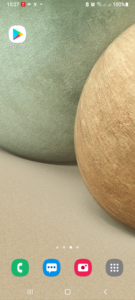
- Tap the Play Store app, then
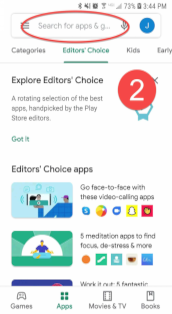
- Tap in the Search Box, Type Outlook and tap Microsoft Outlook
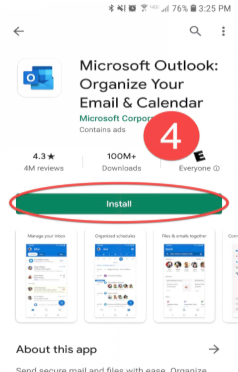
- Tap Install
- After installation, Open the Outlook App and select > Add Account > Add an email account.
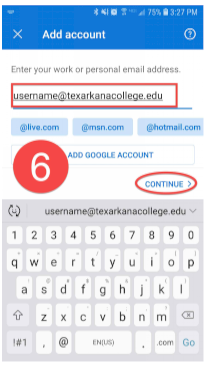
- Enter your email address and select Continue.
- Enter your password and select Sign in
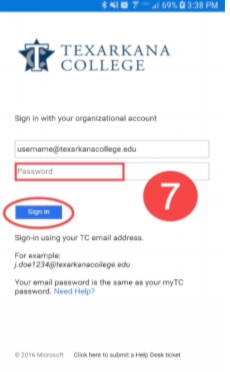
- If you have enabled two-step verification for your account, approve the sign-in request.
- You will be asked to Add another account, tap MAYBE LATER
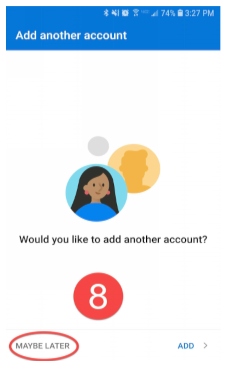
Now you are ready to use Outlook
279 General, Email, TELEPHONE, MOBILE PHONE
Total 0 Votes:
0
0