
Keyboard issues
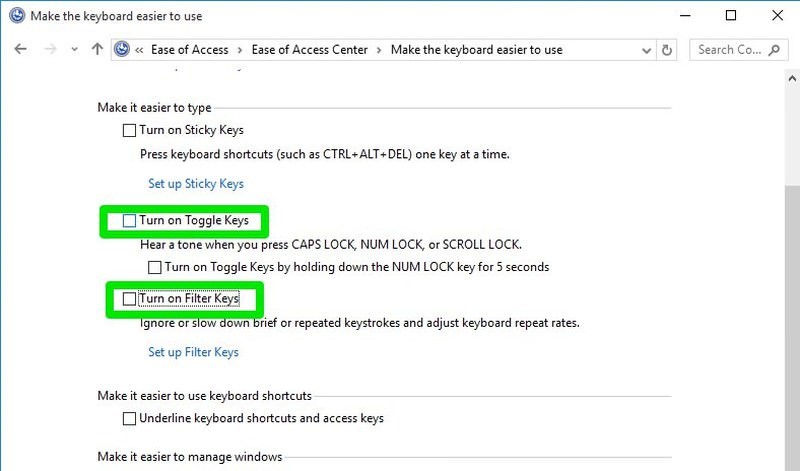
If your keyboard is making noise and won’t type repeated words properly, then there is no problem with the keyboard. You must have enabled toggle keys and filter keys in Windows settings that cause such a problem. To disable them:
- Open the Control Panel and click on Ease of Access.
- Here click on Change how your keyboard works button.
- Now uncheck the checkbox next to Toggle keys and Filter Keys to solve this problem.
215 General, Windows, Windows 10
Total 2 Votes:
0
2